

















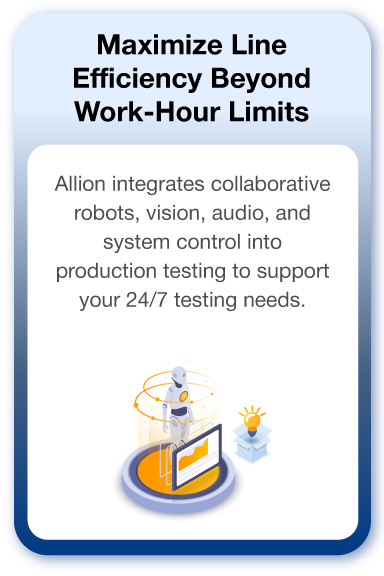
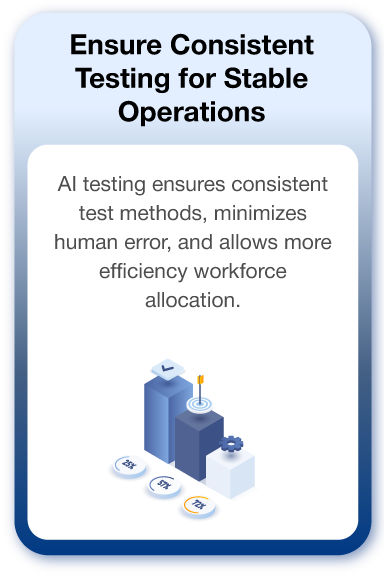
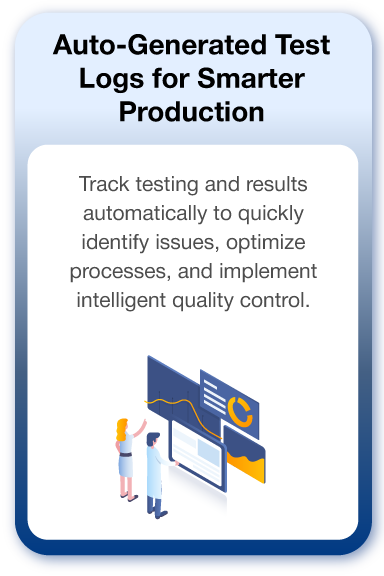

Achieve Greater Efficiency and Consistency with Cobot + AI Integration

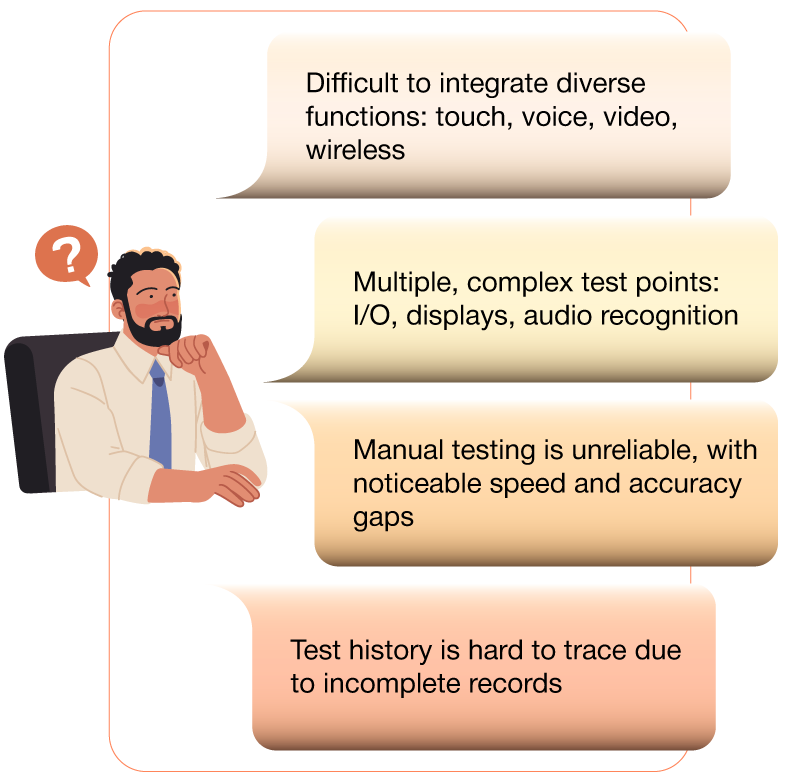
Modern product designs are highly complex. From consumer electronics to automotive systems, each module integrates various functions and interfaces. Ensuring fast, accurate, and consistent testing is a key challenge for all manufacturers.

Allion Delivers the Solutions You Need

Achieve high efficiency, quality, and full traceability with our automation solution—
bringing laboratory-grade validation directly to your production line and enhancing manufacturing competitiveness.

Multi-Interface Integration Made Easy for Smarter Automation

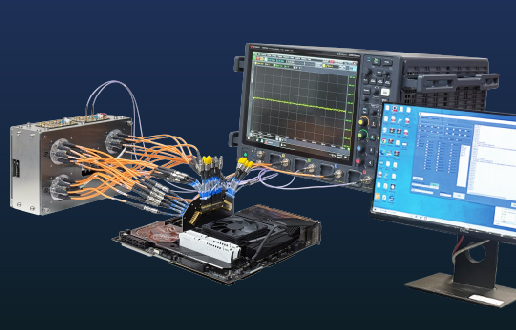
Allion’s self-developed control framework integrates multiple automated test interfaces,
enabling you to address diverse testing challenges with ease and efficiency.

Control Types
Support Content
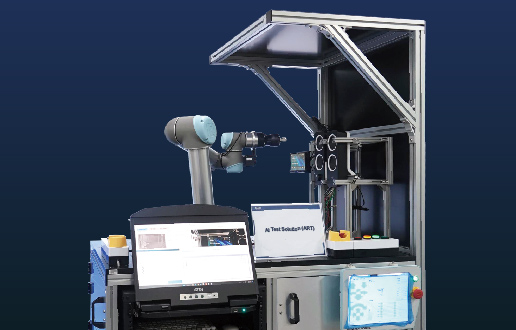
Robotic Arm Touch panels,, physical buttons, rotary controls, and swipe actions
Mobile Device
iOS/Android automation commands and app testing
PC
Windows / macOS / Linux / ChromeOS
App
UI interactions, command triggering,snapshot capture, and log capture
I/O Ports
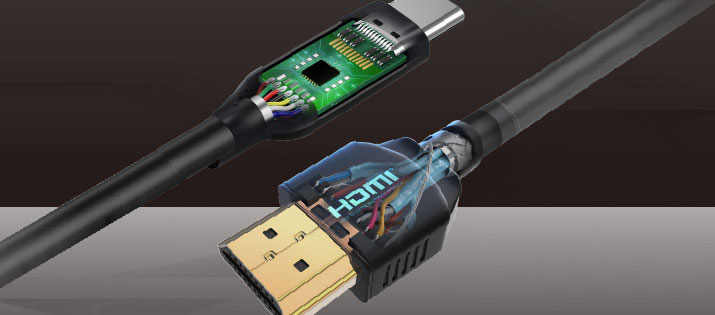
USB / HDMI / Ethernet / CAN / LIN
Power Control
AC/DC switching and Suspend / Resume / Wake-up
Physical Object
Mechanical actions (lid, buttons, remote control, OSD menu)
Instrument Control
& Integration
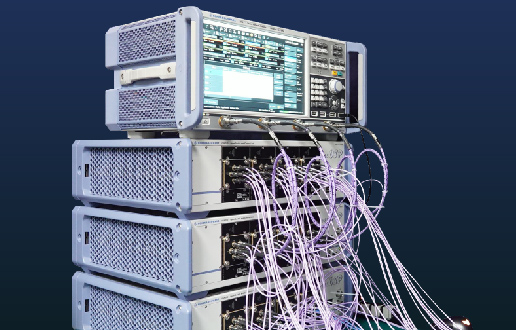
Signal generators, oscilloscopes, analyzers, measurement instruments, and environmental testers
Voice Control
Voice commands, audio playback and recording
Test Types
Test Items
Defect Inspection
PCB, appearance, and display defect detection
Image / Video Analysis
Screen sync, brightness, flicker, and latency evaluation
OCR
(Text Recognition)
Display content and multilingual accuracy validation
Acoustic Analysis
Microphone/speaker audio quality and voice command response testing
Color Verification
Display color shift detection and color calibration
System
Function Testing
Functional verification, system messages, and UI display checks
Reliability Testing
Long-duration stress testing and temperature/voltage stress testing

多元介面整合,自動檢測更省力

百佳泰自主研發控制框架,可整合多項自動化測試介面,助你輕鬆因應各式測試挑戰

控制類型

控制類型

機器手臂

觸控螢幕、按鍵、旋鈕、滑動操作

行動裝置

iOS / Android 自動化指令、App測試

電腦

Windows / macOS / Linux / ChromeOS

應用程式

UI操作、指令觸發、自動截圖與Log擷取

連接埠

USB / HDMI / Ethernet / CAN / LIN

電源控制

AC/DC開關、Suspend / Resume / Wake-up

實體物件

機構動作(蓋板、按鍵、遙控器、OSD Menu)

儀器控制/整合

號產生器、示波器、分析儀、各式量測儀器、環境測試設備等

聲音控制

語音指令、音樂播放與錄製

檢測類型

檢測項目

瑕疵比對

PCB、外觀、顯示不良判斷

影像/影片分析

畫面同步、亮度、閃爍、延遲判斷

文字辨識

螢幕顯示內容、多國語言正確性

聲音分析

麥克風/喇叭音質、語音指令回應

顏色比對

顯示器色偏檢測、色準調校

系統功能測試

功能執行確認、系統訊息、UI顯示

可靠性測試

長時間循環壓力測試、溫度/電壓應力測試

Product Coverage & Application Areas

● Monitor
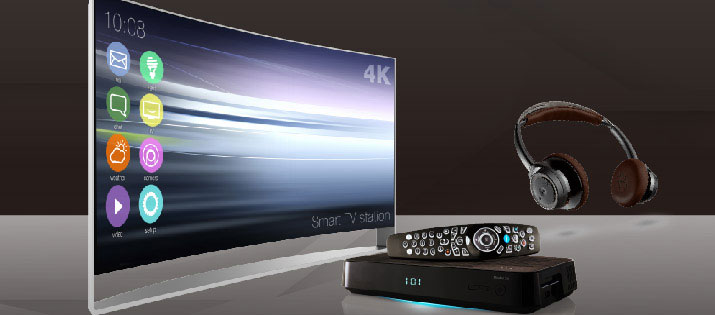
● TV/STB
● Projector

● Interactive Whiteboard
● Headphones/Earphones
● Speaker

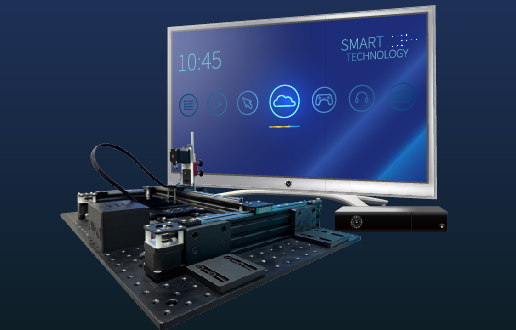
Robotic arms perform touch input combined with Display AI for visual and audio analysis, enabling fully automated testing of screen sync, color consistency, and responce latency.

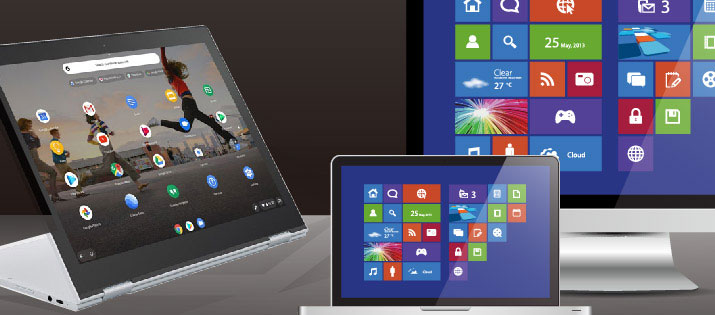
● Notebook
● AIO PC

● Industrial PC (IPC)
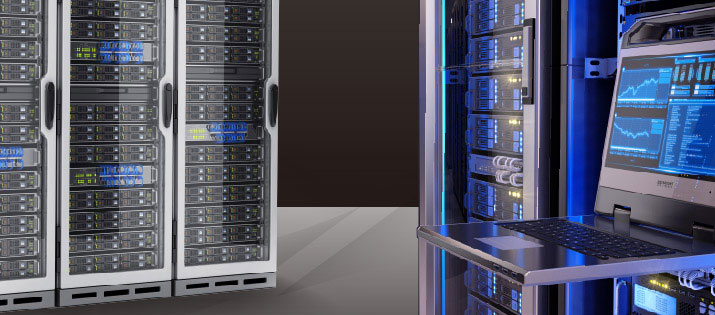
● Server

Integrates power control, communication simulation, and PC AI agents to remotely control and validate system behavior, automatically logging test data and screens for fully automated production testing.

● Mobile Phone
● Tablet

● Wearable
● Touch Panel

Utilize robotic arms with automated phone control and visual recognition to conduct coordinated multi-device testing, ensuring mobile device quality and consistency.

● Infotainment
● Dashboard

● ECU
● Rear Seat Display

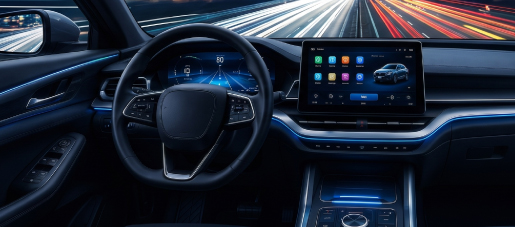
Supports HIL platforms (dSPACE, Vector, NI) and combines robotic arm, visual recognition, and CAN control to automate testing from signal input to HMI interaction.

● Internet of Things (IoT)
● Smart Appliances
● Smart Door Locks

● CCTV Monitoring
● Wireless Devices

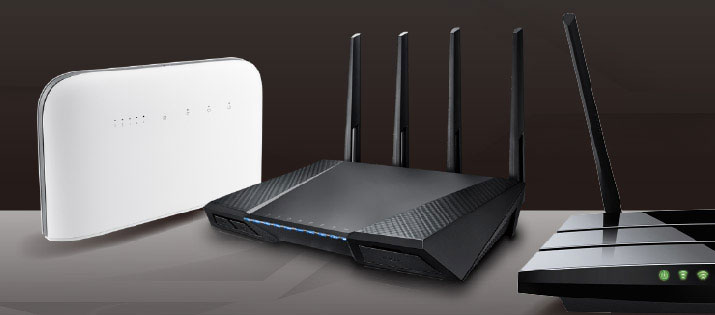
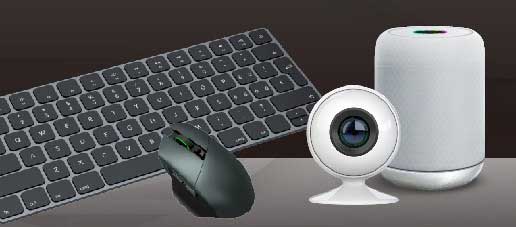
For multi-protocol, multi-device, and environment-sensitive network devices, Allion integrates physical operation, app control, wireless validation, and visual/audio analysis into a single automated workflow, enabling consistent, repeatable, and traceable large-scale testing to reduce labor and ensure production quality.

Technical Insights

PC AI Agent

Allion ART – Robot Arm in Interactive Whiteboard Application

DisplayAI Music Casting and Function Testing

Allion DisplayAI Test Solution for Remote-Controlled Product

Allion DisplayAI Test Solution for Desk-Based Product

Don’t Miss Out! Submit the Form to Start Production Line Automation Testing Today.

Inquiry-Production Line Testing Automation

Frequently Asked Questions (FAQs)

What products can Smart Production Line Inspection be applied to?

Products with operable interfaces, observable outputs, or measurable signals can be evaluated for implementation.

Common products include industrial tablets, automotive/motorcycle dashboards, digital cameras, display devices, networking products, smart devices, and other electronics.

How can automation be achieved when there is a wide scope and many items for product inspection?
  • Most product validation processes can achieve a certain degree of automation based on the implementation schedule, budget, and pain points.
  • We can also assist in evaluating the actual processes, adjusting and optimizing the inspection workflow to significantly increase the automation ratio.
Can automated inspection be implemented in existing production lines?

Yes. Allion can first analyze current manual stations, cycle times, space, product positioning, and equipment interfaces, then evaluate whether to adopt independent inspection stations, human-robot collaboration, or integration into existing production lines.

Can we conduct a PoC (Proof of Concept) first?

Yes. We recommend first selecting key items with high manual burden, difficult judgment, or higher risk for feasibility verification before deciding on the equipment configuration and investment scale for the complete station.

Can it be integrated with MES or factory systems?

Yes. The system can connect product serial numbers, barcodes, work orders, test results, error codes, and quality traceability data based on project requirements.

Actual interfaces and data formats need to be confirmed during the requirements phase.

How are screens, UI, or LEDs checked for proper function?

Industrial cameras, image recognition, and optical sensing can be used to check screen content, text, icons, colors, bright/dark spots, LED colors, and flashing statuses.

Comparison images and judgment results are also saved.

How can false positives or false negatives in automated inspection be reduced?

During implementation, Golden Samples, known defective products, and boundary samples should be used to establish judgment criteria.

System capability is confirmed through repeatability testing, false positive/negative analysis, and necessary GR&R (Gage R&R) verification.

Can the system still be used after product revisions or adding new SKUs?

Yes. The system can adjust fixtures, parameters, and test scripts based on product structures and differences.

During the initial implementation, shared modules, line changeover methods, and expected product variations should be confirmed.

What information needs to be provided to implement Smart Production Line Inspection?

It is recommended to provide product samples, appearance and interface data, current SOPs, cycle times, Pass/Fail criteria, Golden Samples, defective samples, production volume, station space, and MES or data connection requirements.

Roughly how much does a solution cost?
  • Since Allion’s ART solution is an integrated system tailored to your production line, the actual cost will vary based on your product’s “inspection complexity,” “hardware configuration needs” (such as robotic arm level, special fixtures), and the “depth of system integration.”
  • If you have specific inspection items, we can arrange a free initial evaluation to provide a more accurate budget range.
How long is the estimated lead time?

Generally, from specification confirmation, system design, hardware assembly, to final factory acceptance, the standard lead time is between 3 to 6 months.