Allion Audio-Video AI Monitor Testing Consulting Services
Facing the modern monitor application ecosystem and testing challenges, Allion Audio-Video AI Monitor Testing Consulting Services integrates software and hardware control modules with key user application scenarios. It transforms complex validation processes into highly efficient, reproducible automated testing, helping R&D teams accurately control product quality.
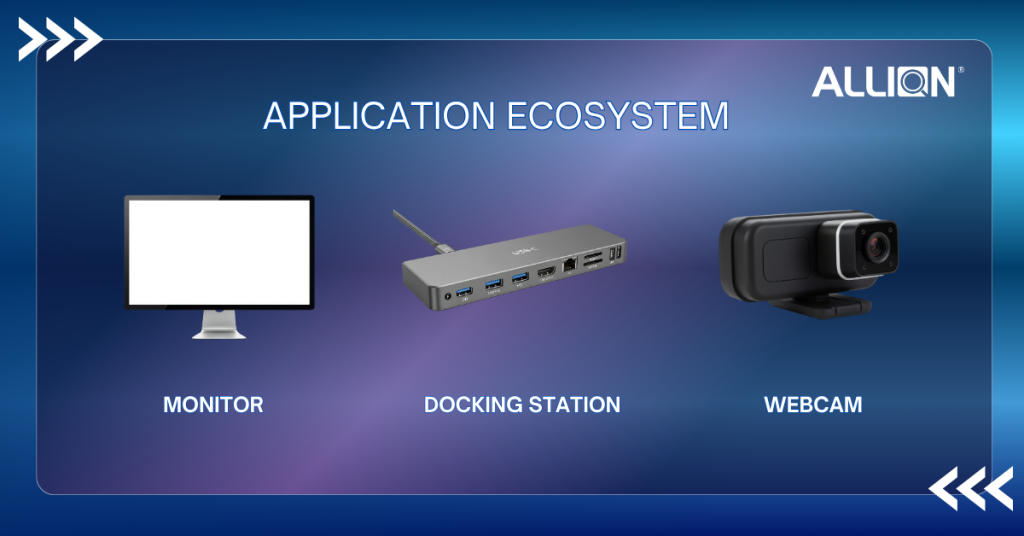
As the application ecosystem of monitors, docking stations, and webcams becomes increasingly complex, cross-platform compatibility and random anomalies have become hidden crises during the R&D phase. Traditional manual testing can no longer cope with multi-dimensional validation requirements, and brands are facing the following severe testing challenges.
Complexity of Modern Monitor Application Ecosystems:Products need to simultaneously integrate the power delivery (USB PD) of docking stations and the video functions of webcams. Manual testing struggles to comprehensively cover all cross-system and cross-interface combinations.
Manpower Bottlenecks and Fatigue Risks of Manual Testing:Prolonged repetitive testing (such as multiple plug/unplug cycles, S3/S4/S5 sleep/wake) easily leads to human fatigue, missed tests, or misjudgments, making it difficult to maintain validation consistency.
Time-to-Market and After-Sales Cost Pressures:
Overly long validation cycles cause products to miss the golden Time-to-Market window. Insufficient early-stage testing will drastically increase maintenance and customer complaint costs after the product is launched.
Difficulty in Reproducing Random and Sporadic Anomalies:Sporadic anomalies such as screen flickering, black screens, or connection failures are extremely difficult to accurately reproduce and troubleshoot without automated data monitoring.
Prolonged Manual Monitoring Easily Leads to Fatigue
When executing long-term playback, stress testing, or optical monitoring, personnel must stand by and observe for extended periods, making them prone to human errors and omissions due to fatigue.
Testing Results Highly Dependent on Manual Judgment
When executing long-term playback, stress testing, or optical monitoring, personnel must stand by and observe for extended periods, making them prone to human errors and omissions due to fatigue.
Low Efficiency Caused by Massive Repetitive Testing
Frequently repeated behaviors, such as channel switching, signal source switching, and application/menu operations, consume a massive amount of manpower and time.
Difficulty in Comprehensively Covering Complex Cross-Platform Linked Scenarios
When test scenarios span mobile casting, remote controls, external audio equipment, and even integrate smart home ecosystems like Matter and Thread, manual testing struggles to stably reproduce all extreme testing processes.
Product Services and Applications
To break through the limitations of traditional validation, Allion Audio-Video AI Monitor Testing Consulting Service provides comprehensive testing services covering hardware, software, and multiple user scenarios, ensuring that the monitor peripheral ecosystem can operate stably under various complex applications.
Daily system sleep, hibernation, shutdown, or restart.
* Screen fails to turn on after the system wakes up (No Signal)
* Desktop resolution shifts/changes after recovery
USB-C Charging
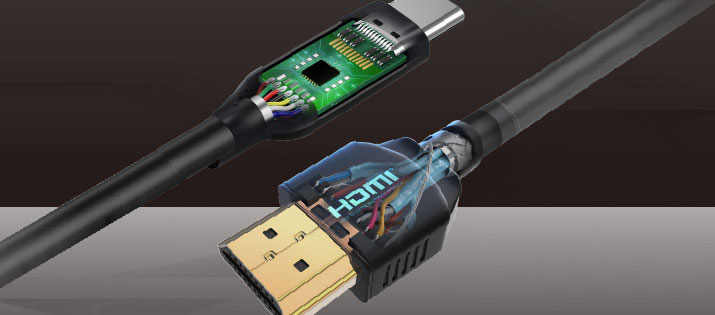
USB-C cables not only need to transmit audio/video signals and data simultaneously, but also rely on the monitor to provide high-wattage fast charging for the laptop.
* PD chip handshake abnormality, leading to slow charging or inability to charge
* Voltage fluctuations cause the screen to momentarily go black or flicker
OSD UI Text Inspection
After consumers turn on the device, the first thing they do is use the 5-way joystick to enter the OSD menu to configure various advanced function settings.
* Garbled or missing characters in special languages (e.g., Arabic)
* Text strings are too long, exceeding the original UI boundaries
Resolution Switching
Normally using native 4K resolution for office work; after work, launching full-screen games and lowering the resolution to 1440p to pursue a higher frame rate.
* After switching signals, the system cannot correctly read the monitor’s EDID
* Noise or screen tearing occurs when frequently switching between 4K/2K or HDR
Daily system sleep, hibernation, shutdown, or restart.
* Device disconnects (Device Loss) after the system wakes up, requiring replugging to use.
* Black screen appears on the external monitor after restart, or USB peripherals are unrecognized, and USB PD fails to charge.
Long-term High Load Operation
Long-term connection to dual 4K monitors and 100W PD fast charging, while simultaneously performing large file transfers and wired networking.
* High load easily leads to overheating, causing transmission speed drops, momentary disconnection of devices or PD, and external monitors may also experience intermittent flickering or screen freezing.
Complex Peripheral Hot-swapping and Cross-platform Switching
Frequently swapping between Win/Mac hosts in a shared office environment, or randomly hot-swapping various USB peripherals during operation.
* Unrecognized devices often occur during cross-platform switching. Hot-swapping may cause system crashes, momentary disconnection of other devices, etc.
Multi-monitor Video Output and Resolution Switching
Simultaneously connecting multiple 4K or higher resolution monitors, and frequently switching between extend/mirror modes or toggling HDR in the system.
* Incorrect bandwidth allocation for multiple monitors causes black screens or abnormal displays; frequently switching between extend/mirror modes also often triggers prolonged black screens or unresponsive displays.
Core Architecture
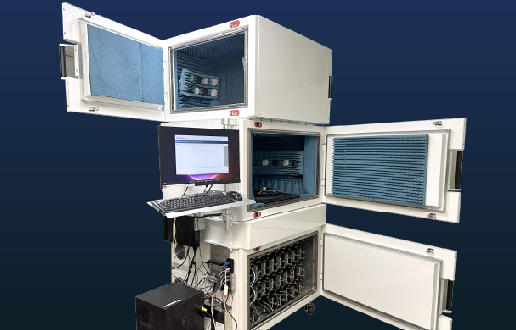
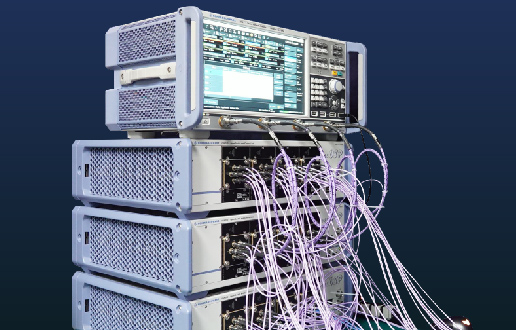
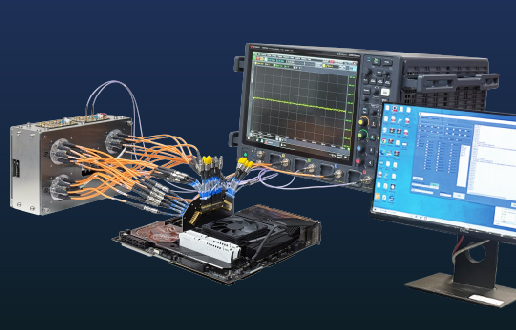
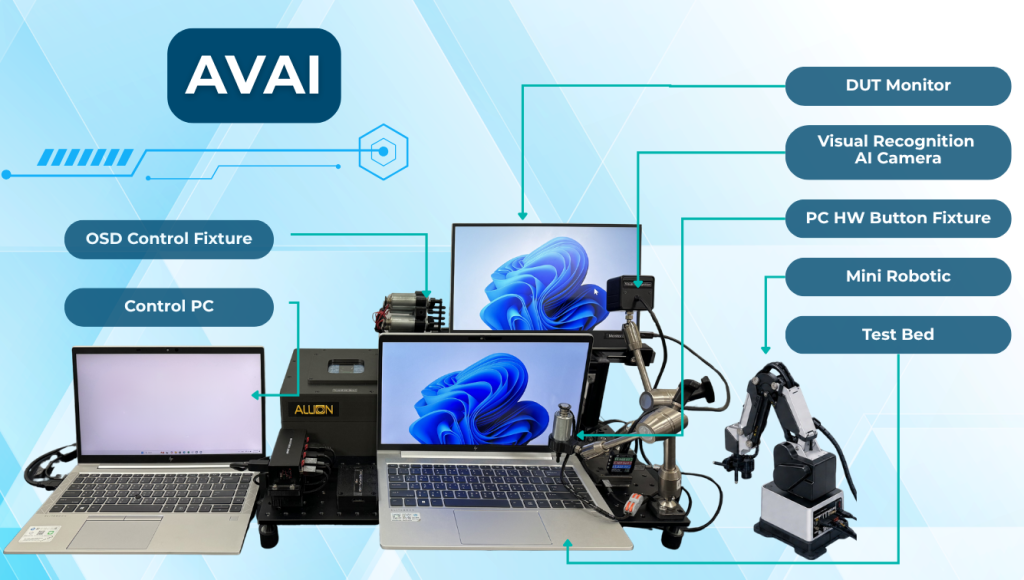
Accurate and highly reproducible testing data originates from Allion’s rigorous core system architecture. We integrate high-spec hardware modules and measurement instruments to construct a fully controlled and highly efficient smart testing environment.
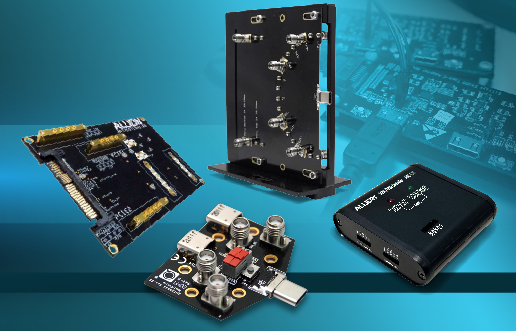
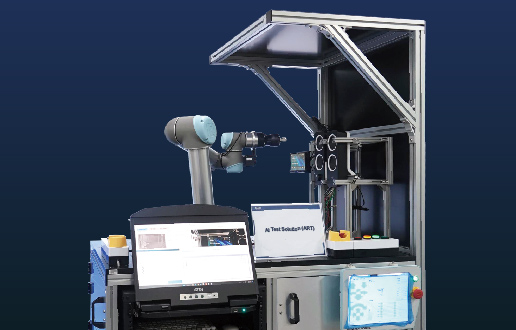
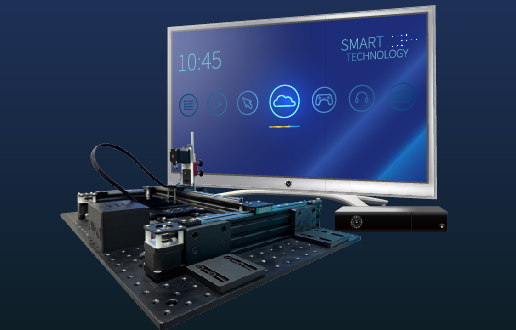
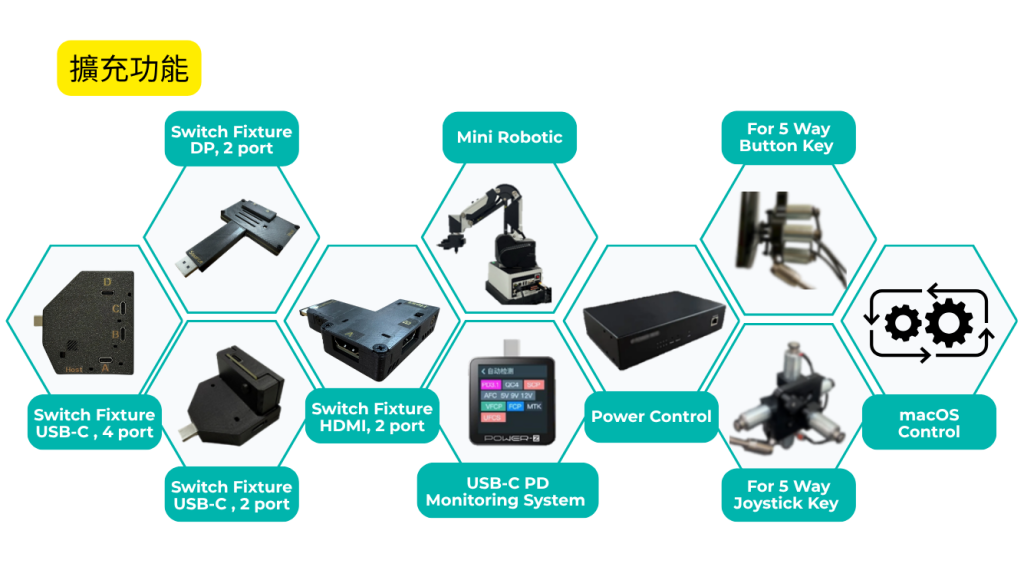
Integrates Mini Robotic arms, 4K Cameras, physical Pressing Fixtures, and Protection Cases to simulate real manual plugging/unplugging and button operations.
Incorporates the IP Power Control Unit system, supporting cross-cycle power-off restarts and remote power switching.
The Advantages of Allion
Allion not only provides advanced automated testing tools but also relies on profound technical capabilities and practical consulting experience to help you transform technical data into product competitiveness, becoming your strongest backing to shorten the development cycle.
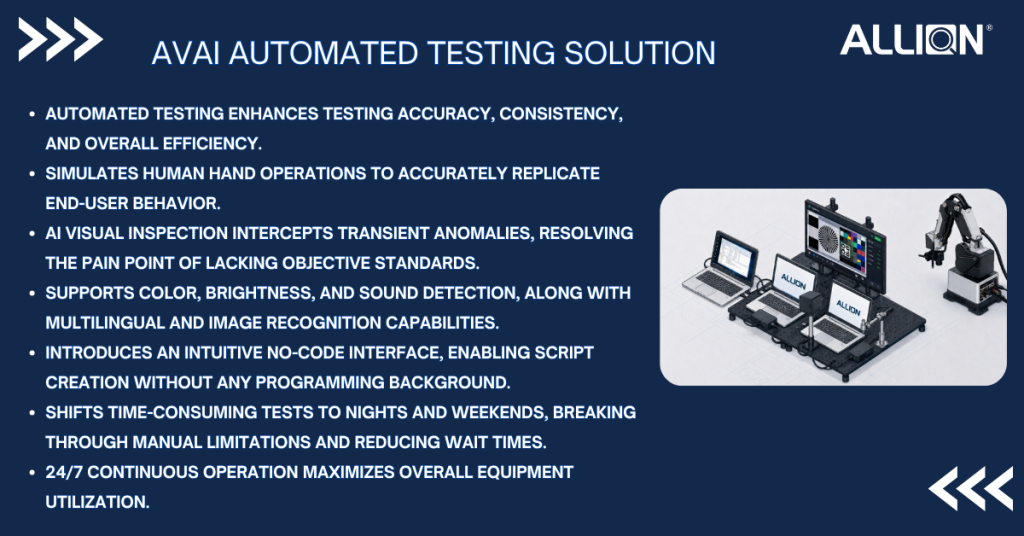
24/7 Uninterrupted High-Efficiency Output: Eliminating the working hour limits of human operations, automated testing can run continuously day and night, drastically reducing operational and maintenance costs, significantly shortening validation times, and meeting Time-to-Market schedule requirements.
100% Reproducible Test Paths: Through standardized software warranties and update mechanisms, we ensure that the environment, steps, and Action list of every test can be accurately reproduced, vastly improving Debugging efficiency.
In-Depth Problem Diagnosis and Analysis Logs: Provides detailed automated testing logs and report outputs, assisting engineers in quickly locating the Root Cause of random anomalies.
Fill it in and talk to our most experienced experts Leave your details and ask us anything!
Allion uses cookies and shares data with Google Ads and LinkedIn for analytics and ads. Data is retained up to 6 months. See our Privacy Policy for details. Do you consent?AcceptDecline