


















- Challenge: You need to confirm the webcam’s basic functions and compatibility before shipment.
- Coverage: Compatibility, functional and standards validation.
- Our Approach: We establish a quality baseline and deliver a standard validation report.
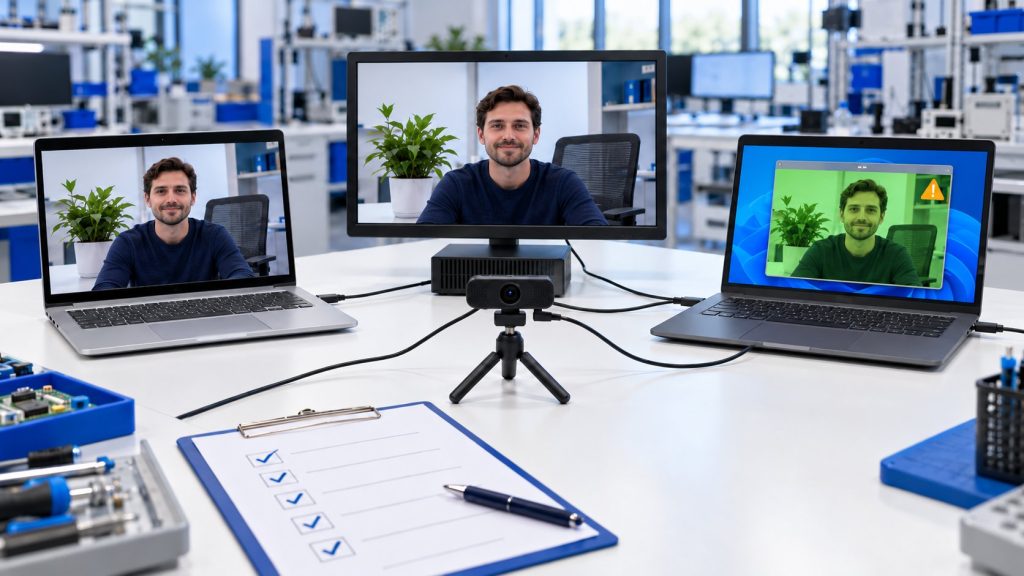

A webcam that works fine in standalone testing can still run into black screens, frozen video or device switching failures in real meetings, depending on how it is combined with hosts, docking stations, USB hubs, video conferencing apps and audio devices. Allion Labs’ webcam ecosystem interoperability testing builds on real-world User Experience Scenarios (UES) to help webcam brands and video conferencing solution providers reproduce hard-to-replicate field complaints, narrow down where the problem comes from, and obtain evidence for debugging and regression validation, so ecosystem risks are caught before launch.
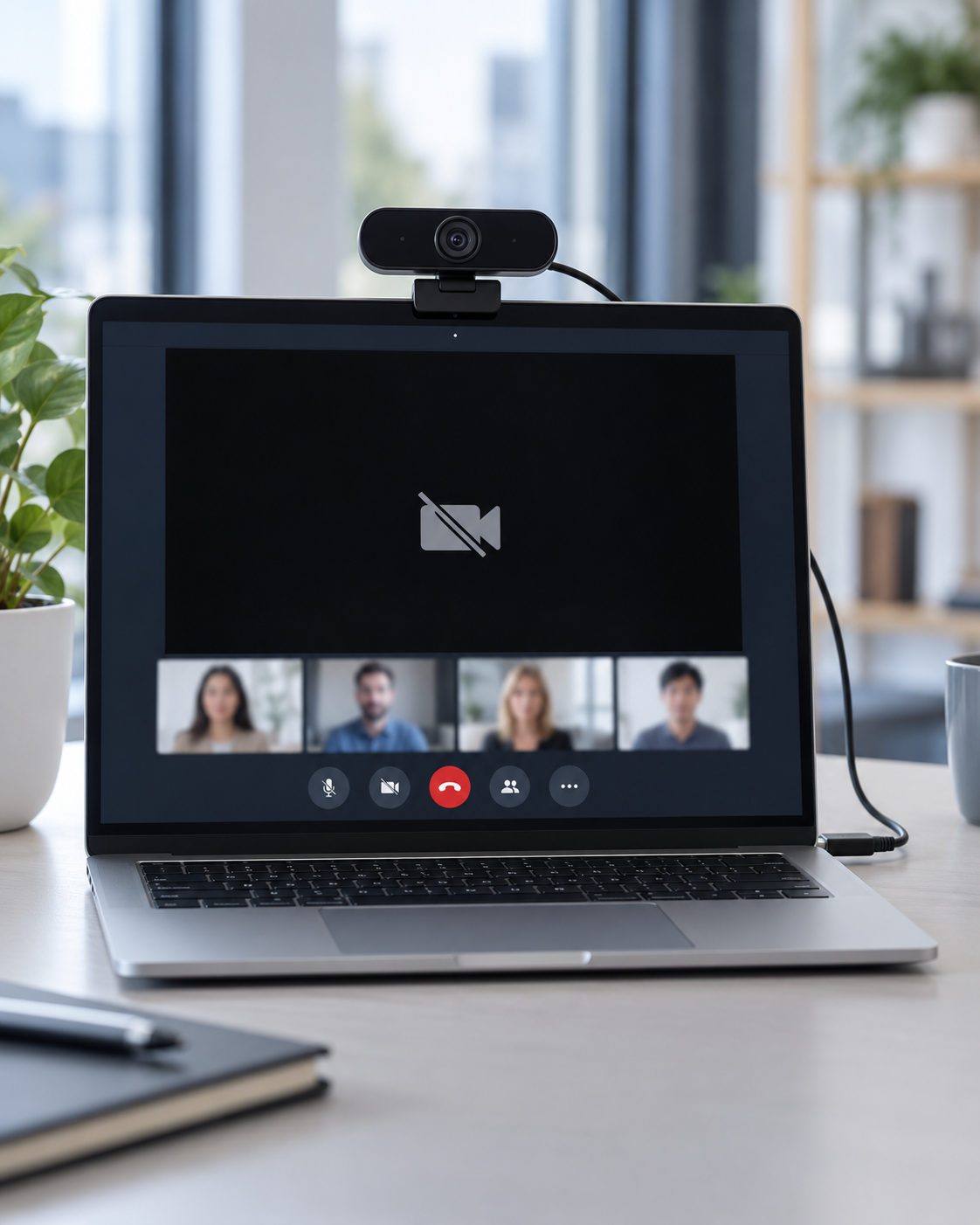
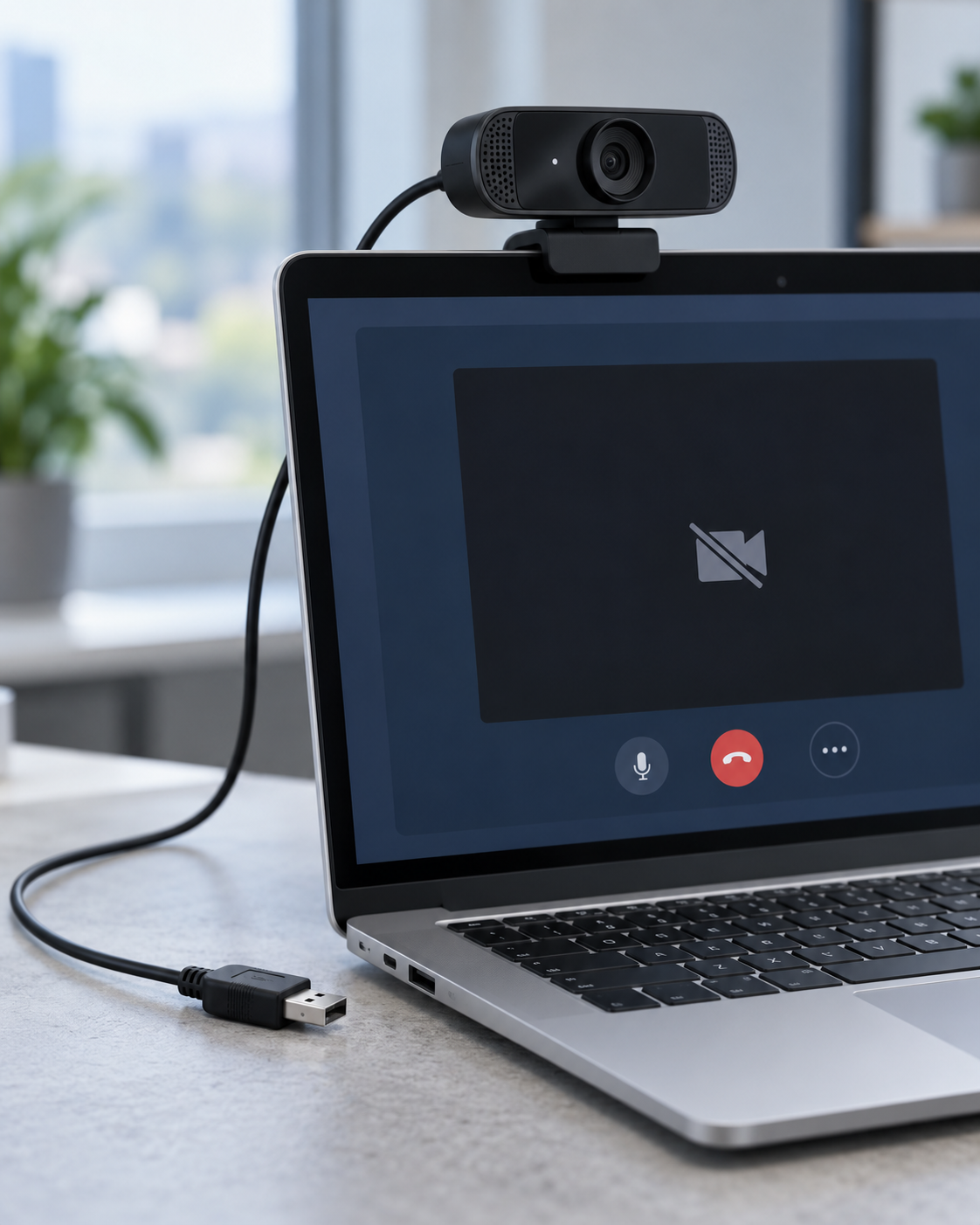
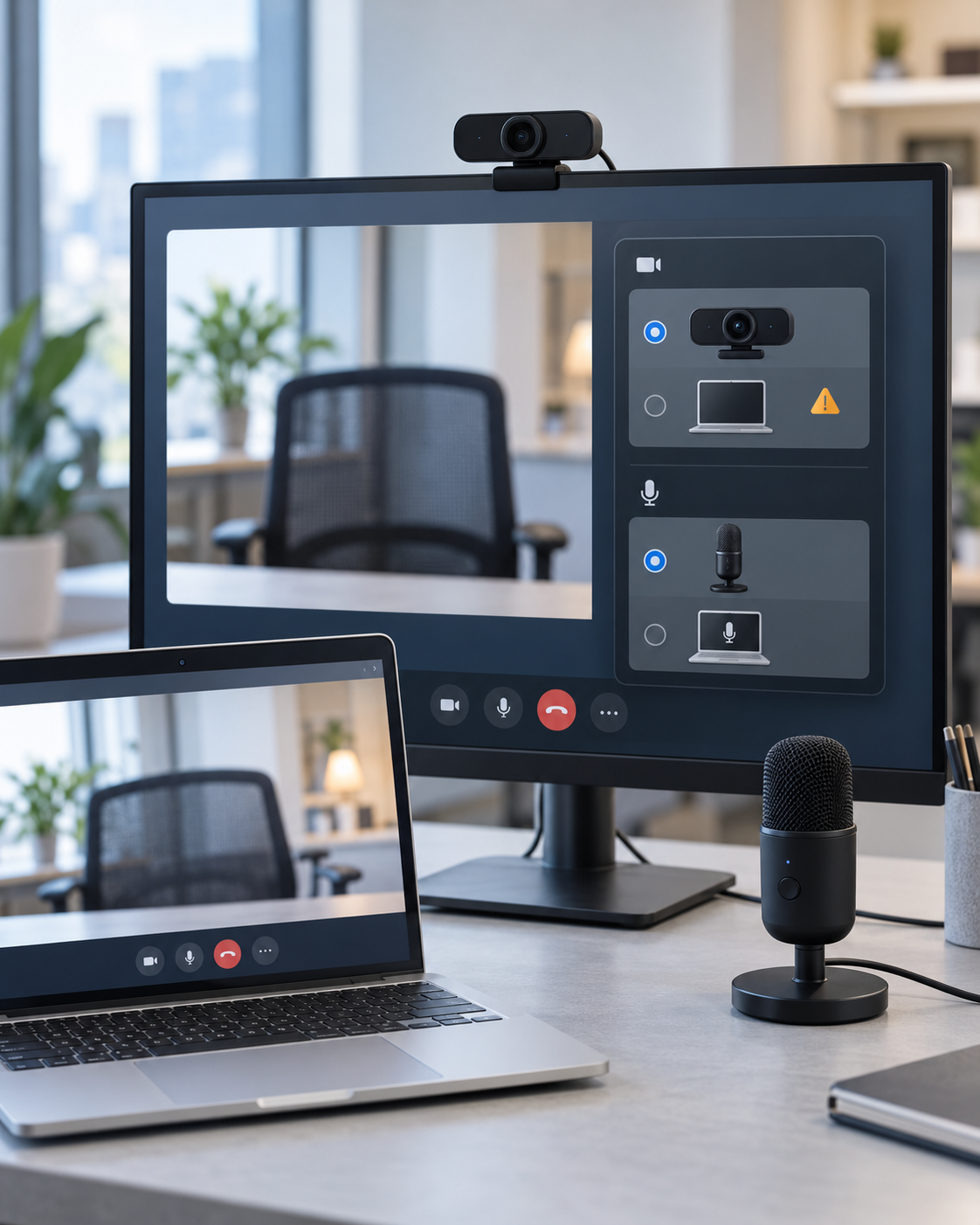
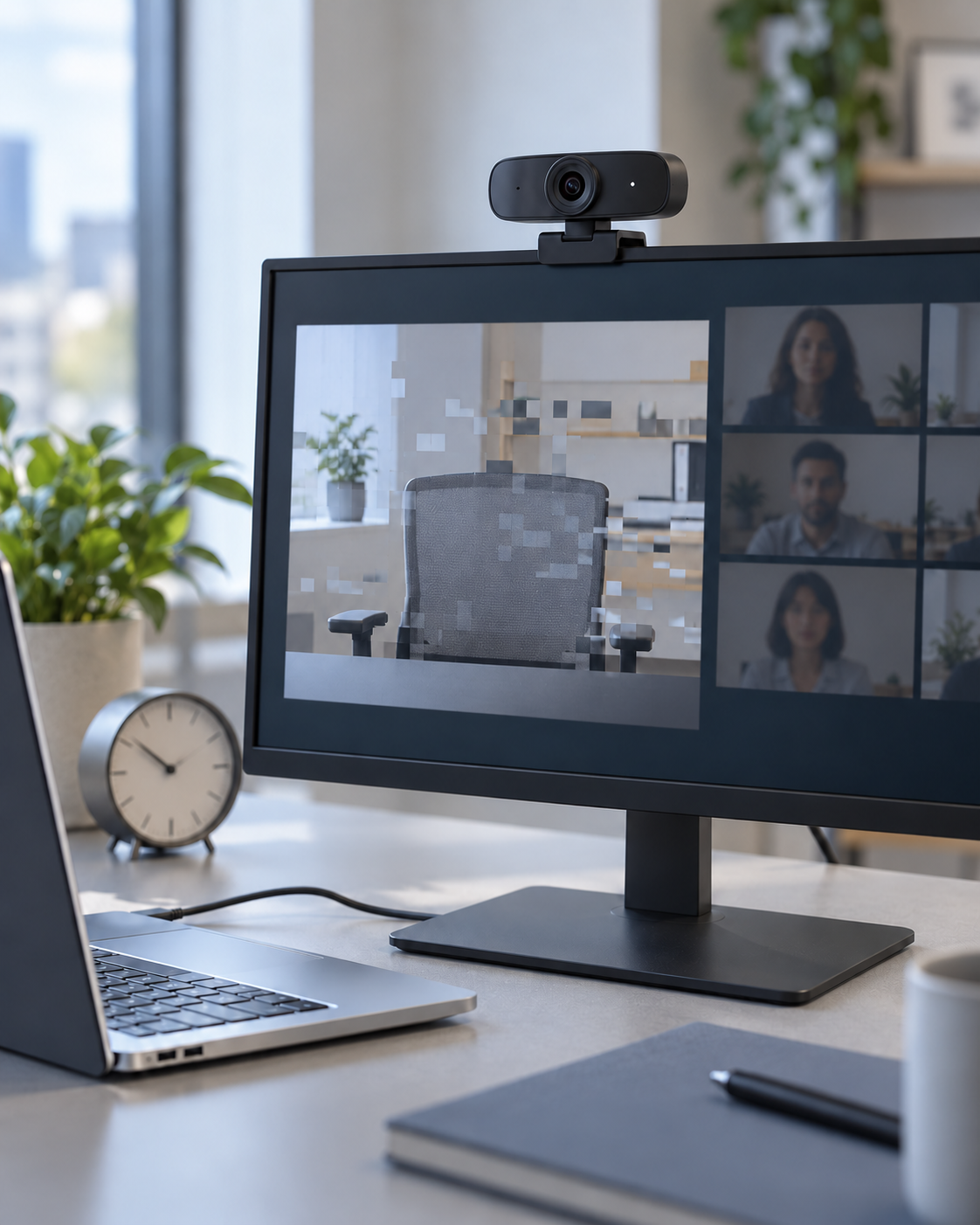
Explore the Service Contact UsEven when a webcam meets spec and passes basic functional tests, live actions in conferencing apps such as Teams and Zoom, USB reconnection and audio device switching can still cause intermittent issues. Common risks include:
| Webcam Ecosystem Scenario Validation Highlights | Click to view▼ |
|---|
| Core Scenario | Real-World Use Case | Common Symptoms | Technical Tags |
|---|---|---|---|
| Black Screen Recovery After Camera Toggling | Turning the camera on and off repeatedly during a meeting. | Black screen, no video, or the webcam does not recover after being turned back on. | Camera Toggle、Black Screen |
| USB Reconnection and Device Detection | Unplugging and re-plugging USB during a meeting, or reconnecting the webcam through a hub or dock. | Device not detected, video stream does not come back. | USB Reconnection、Device Detection |
| Meeting Resume After Sleep/Wake | Returning to the same meeting after the host goes into standby or sleep. | Frozen video, unusable webcam or meeting fails to resume. | Sleep / Wake、Meeting Resume |
| Audio-Video Device Switching | Switching cameras, microphones or other audio devices during a meeting. | The conferencing app selects the wrong device, audio or video output fails. | Audio-Video Switching、Routing |
| Long-Run Meeting Continuity | Hours of continuous video, such as international meetings or online classes. | Frozen video, dropped frames, video latency or automatic disconnects. | Long-run、Continuity |

Interested in our webcam ecosystem interoperability testing, or have a question? Get in touch with us anytime.
We recreate how users actually connect and operate their devices across combinations of devices, interfaces, systems and applications, uncovering issues that single-device testing cannot find. Our validation covers five areas:
The depth of compatibility validation depends on how many real device combinations are available. Allion has built up a cross-brand, multi-generation inventory of test hosts and operating system environments, so we can quickly assemble the validation matrix your product’s risk profile calls for.
| Category | Coverage |
|---|---|
| Host Types | Laptops, desktops, all-in-ones, AI PCs, motherboard platforms, interactive whiteboards |
| Host Brands | HP, Dell, Lenovo, ASUS, Acer, MSI, GIGABYTE, Apple, Microsoft and more, over 25 brands in total |
| Processor Platforms | Intel, AMD, Qualcomm Snapdragon (Windows on ARM), Apple silicon |
| Operating Systems | Windows 11 / Windows 10 (Home and Pro), macOS, ChromeOS |
| USB Specifications | USB 2.0, USB 3.2 Gen 1 / Gen 2 / Gen 2×2, USB4 20 / 40 / 80 / 120 Gbps |
| Model Years | Models from 2018 to 2026, including more than 200 released in the last three years |
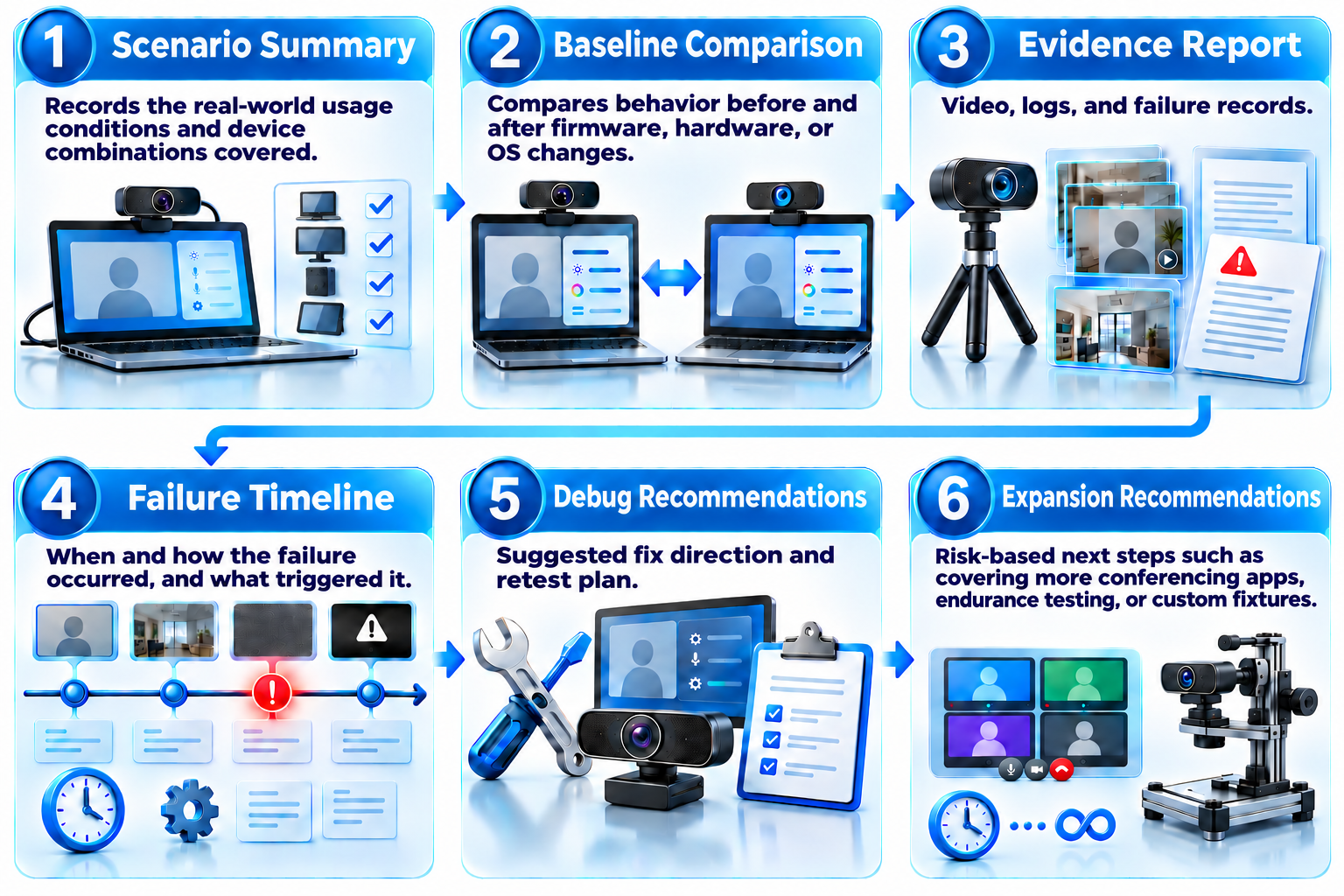
透過情境設計、自動化執行、視覺監控與證據擷取,將偶發客訴轉化為可分析、可重複執行的測試條件,協助團隊縮小來源並確認修正效果。
最終交付包含情境總結、失敗時間軸、證據報告與回歸驗證結果,可直接提供研發團隊作為除錯依據。
01
02
03
✓
Start with your most critical product issues or field complaints.
Confirm the webcam, host, dock/USB hub, OS, conferencing app and audio-video device combinations.
Execute the selected scenarios with automated execution, visual monitoring, and capture of video, logs and timestamps.
Analyze the failure behavior, repeatability and likely source, and propose a debugging direction.
Based on pilot results, expand into more device combinations, endurance testing, regression validation or custom fixtures.
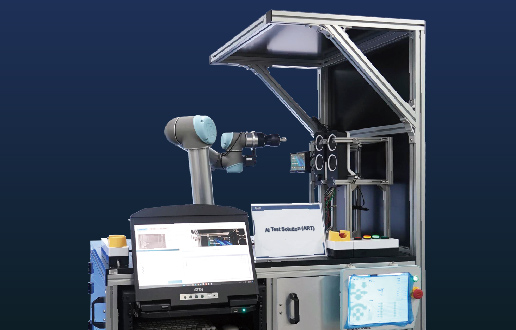
For details on the hardware architecture and automation platform, see: Allion Audio-Video AI Monitor Testing Consulting Services
Based on product characteristics, launch stage and potential risks, we flexibly plan everything from basic functional validation to customized scenario testing. We adjust the validation scope to high-risk functions and real usage conditions, putting test resources where the most critical issues are. Whether you are in development or preparing for launch, there is a test package that fits.
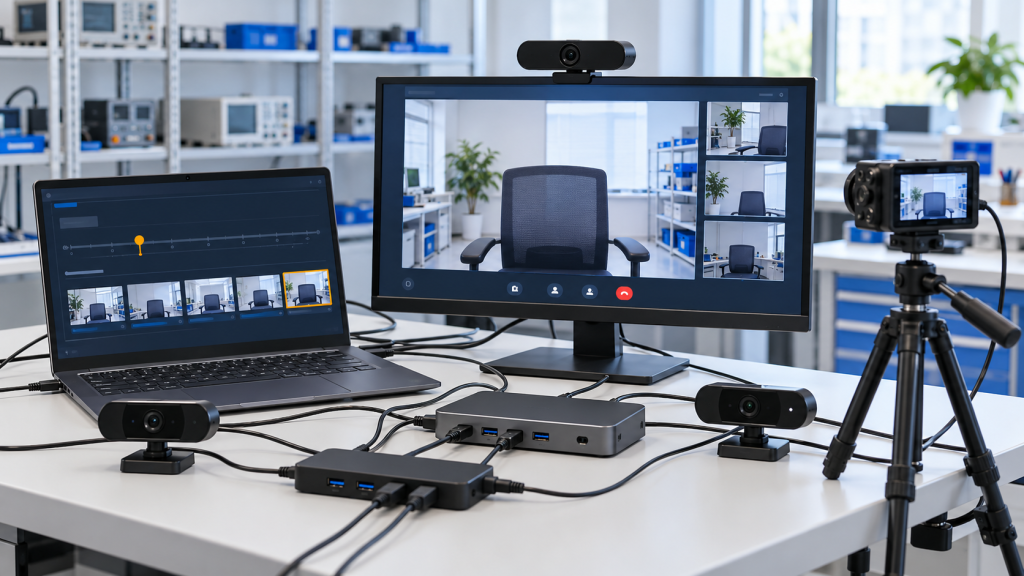
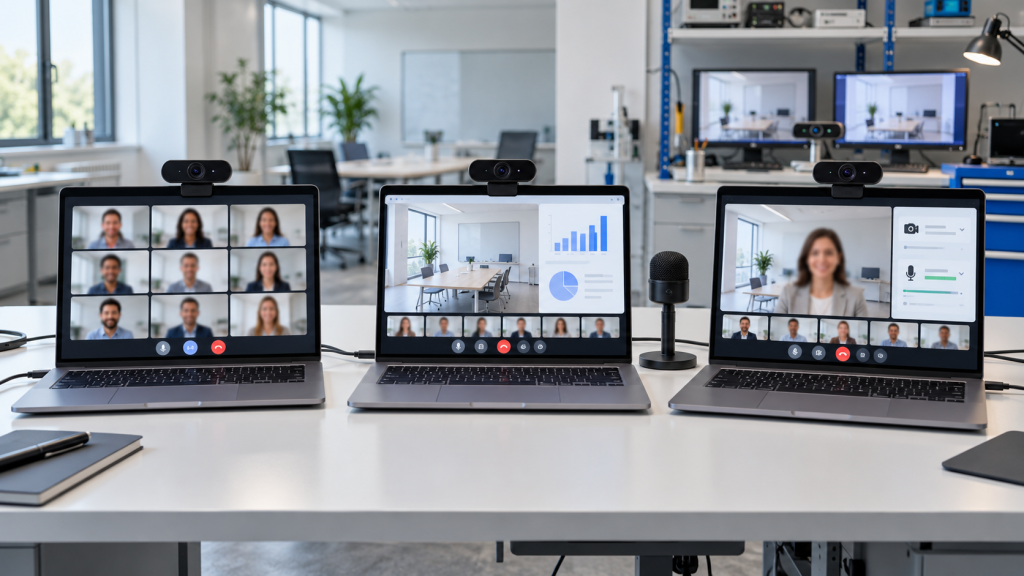
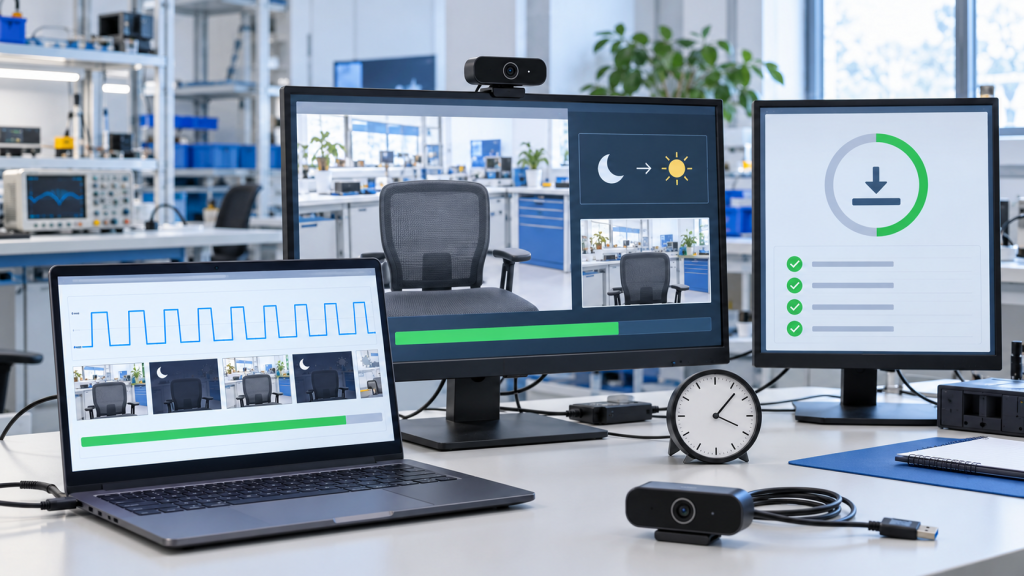
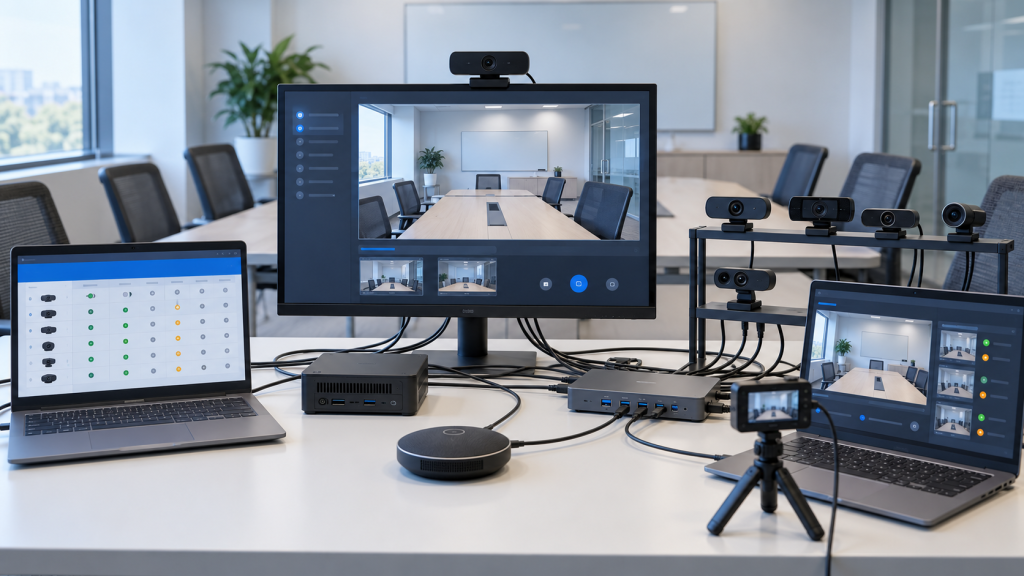
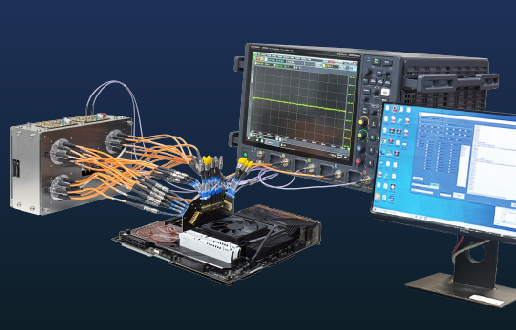
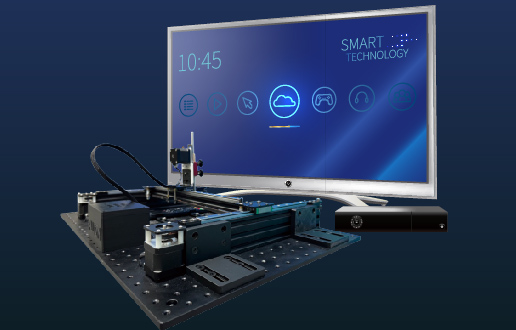
We bring together test environments, specialized equipment, engineering analysis and automation, so everything your validation needs is available in one place. From execution and anomaly detection to data and evidence analysis, we help you understand the conditions behind a failure faster and spend less time on repeated manual reproduction and debugging.
Supporting in-depth analysis and debugging.
Catching risks early through real-world scenario validation.
*Actual results vary by product and project conditions.
Flexibly configured by project risk priority.
Below are common webcam issues seen in the field and how Allion helps clarify where they come from.
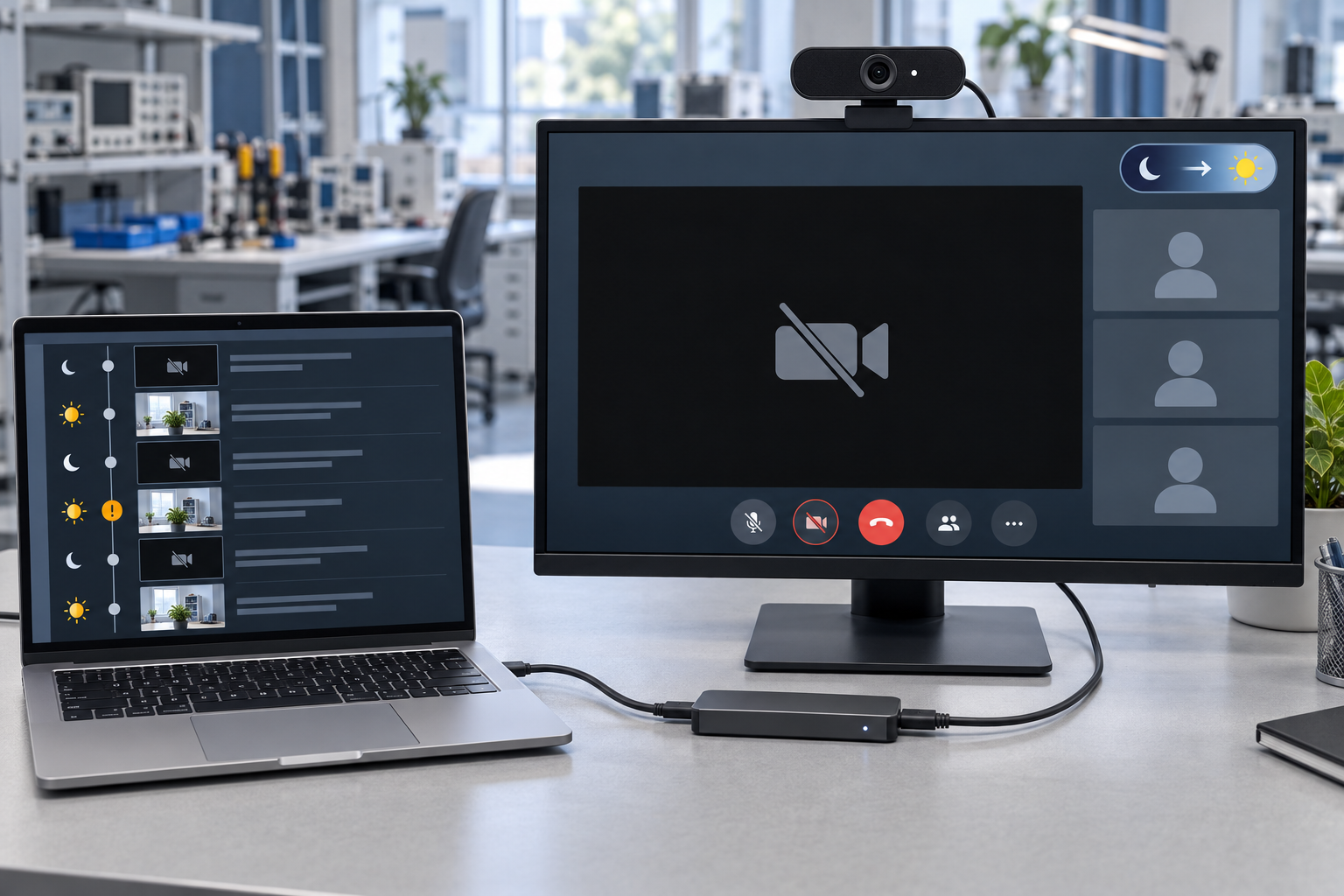
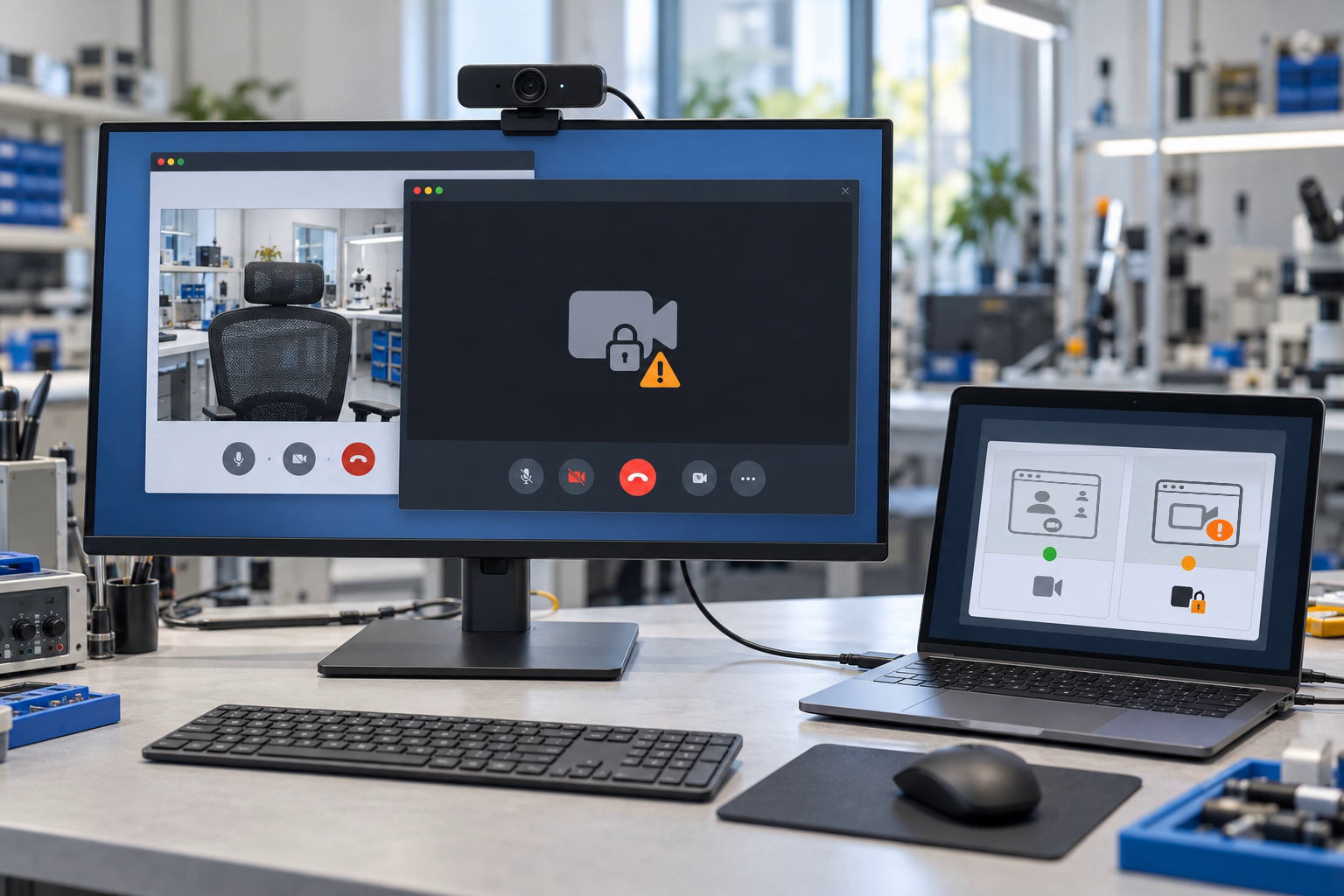
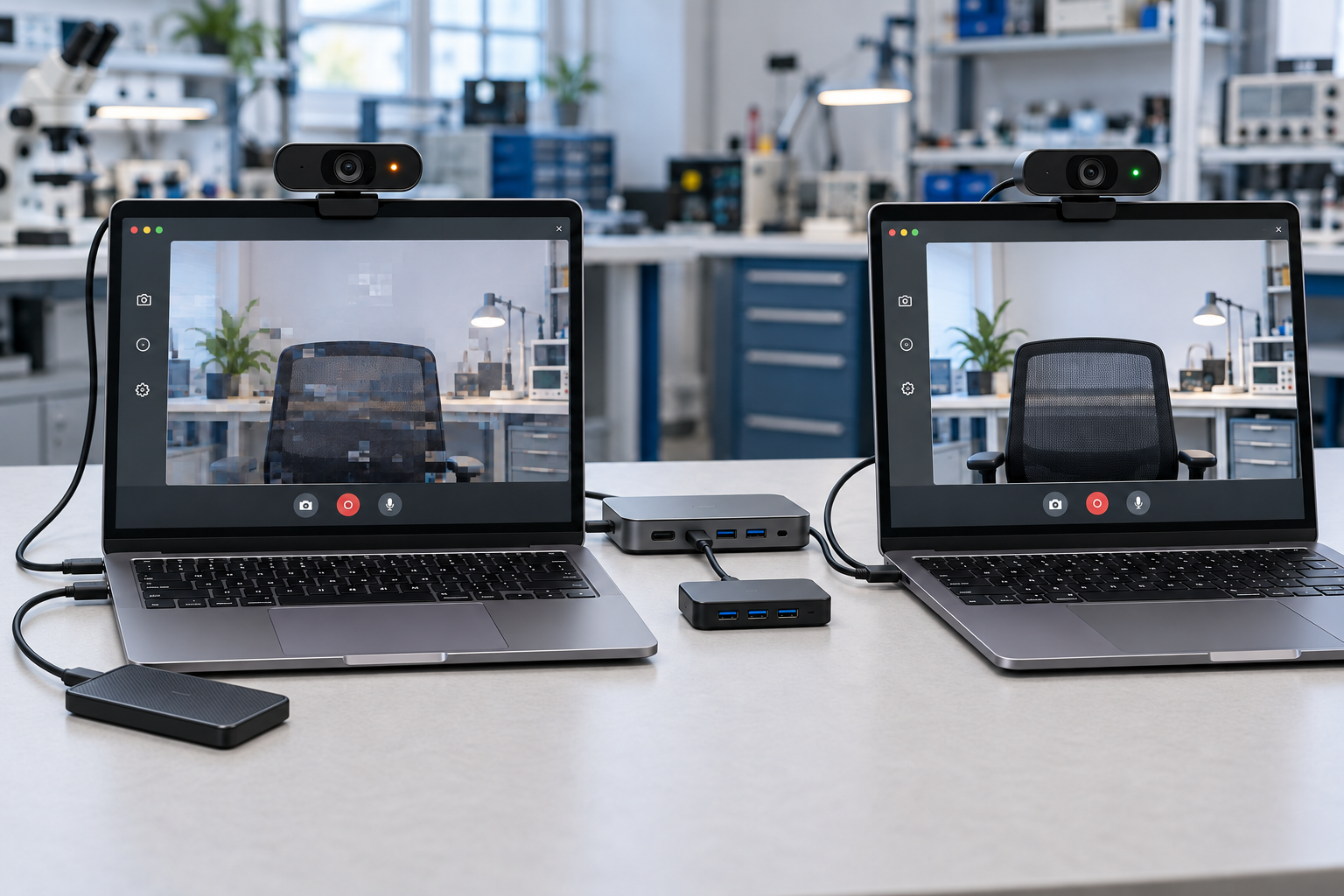
Interested in our webcam ecosystem interoperability testing, or have a question? Get in touch with us anytime.
Webcam ecosystem interoperability testing combines hosts, docks, USB hubs, audio devices and conferencing apps to validate compatibility and recovery issues in real video call workflows, catching cross-device anomalies that standard functional testing often misses. Allion delivers it as a consulting service built on User Experience Scenarios (UES).
Standard functional tests usually check a webcam on a single host under standard conditions. In a real meeting, the webcam has to work with different hosts, USB paths, drivers and conferencing apps, on top of everything users do during the call. Some issues only appear under specific combinations and sequences of actions. UES validation runs these scenarios repeatedly on real device combinations to help uncover such intermittent issues.
Allion first organizes the trigger conditions from the complaint report and turns them into a repeatable validation scenario, then reproduces the issue on real device and conferencing app combinations. Once it is reproduced, we help narrow down the likely source and provide a failure timeline with video and log records. After the fix, we run regression validation with the same scenario.
Allion turns actions such as re-plugging, reconnecting through a dock and returning to a meeting after sleep/wake into repeatable scenarios, increasing the chance of reproducing sporadic issues.
By cross-validating different hosts, USB/dock paths, drivers, firmware and conferencing apps, we help narrow down the conditions under which the issue occurs and its likely source.
Yes. We simulate real workflows such as joining and leaving meetings, turning the camera on and off, switching between conferencing apps and screen sharing, and check whether the webcam behaves consistently across apps.
Common causes include the previous app not releasing the camera properly, OS privacy permission settings, and the combination of driver and app versions. Allion switches repeatedly between conferencing apps to reproduce the conditions under which the camera stays in use, helping identify the source of the problem.
最後更新:2026/10/15